Building a website today is less about knowing how to code and more about choosing the right tool. The software you select shapes not only how your site looks, but also how easy it is to manage, update, and grow over time. With so many platforms available, the challenge is no longer can you build a site, but rather which builder will help you achieve your goals with the least hassle?
Think about it: do you need a platform that lets you launch a professional-looking page in a few hours? Or are you looking for something that can scale with your business, handle online payments, and support advanced design features? These questions highlight why your choice of builder matters.
The best website builders today go beyond templates. They offer drag-and-drop simplicity, mobile responsiveness, built-in SEO tools, and integrations for payments or marketing. Some are tailored for entrepreneurs setting up online stores, while others are ideal for creatives who want design flexibility or for bloggers who value content management. But how do you know which one suits your needs best?
In this article, we’ll walk through the leading website creation tools that combine ease of use with reliable performance. You’ll see what each platform does well, where it might fall short, and how to match it to your specific goals—whether that’s selling products, showcasing a portfolio, or building a content-driven site. By the end, you’ll have a clear idea of which builder can turn your ideas into a polished website without unnecessary complexity.
Key Things to Check Before Choosing a Website Builder
When selecting a website builder, it’s easy to get distracted by flashy templates or marketing claims. But before committing, it’s smarter to check a few essentials that will directly affect how your site functions and how professional it feels to visitors. These checks aren’t complicated, yet overlooking them can create frustrating roadblocks later on.
The first is domain compatibility. If you’re targeting a regional audience, securing a .ae domain can build trust and help your website appear more reliable in search results. Most major platforms allow you to connect such domains easily, but it’s worth confirming this step before you dive in. After all, what’s the point of a polished site if your web address doesn’t reflect your brand properly?
Equally important is currency support. Customers are far more likely to complete a purchase when prices are displayed in their local currency. Make sure the builder you choose can not only display but also process payments in dirhams. It’s a small detail that goes a long way in establishing credibility and avoiding confusion at checkout.
From there, think about payment gateways. The smoothness of your online transactions depends on how well your platform connects to trusted providers. Options like Stripe, PayTabs, Telr, and Amazon Payment Services are widely used and integrate with popular builders. Each comes with different fee structures and onboarding requirements, so choosing the right one can save you both money and time.
Finally, consider language support—especially if part of your audience reads in Arabic. A platform that supports right-to-left layouts and Arabic fonts ensures your site looks professional across languages. Not every builder handles this equally well, so double-checking multilingual and RTL readiness can save a lot of redesign effort later.
When these four areas—domain, currency, payments, and language—are addressed upfront, you set a strong foundation for a site that doesn’t just look good but also feels seamless and trustworthy to every visitor.
Best Website Builders for UAE Users
Shopify ( Best for E-commerce)

Shopify shines when it comes to setting up an online store. While its own payment system, Shopify Payments, isn’t available locally, it works seamlessly with trusted third-party gateways like Stripe, Telr, and PayTabs—making it easy to accept payments in AED. These options offer flexible pricing and reliable integrations, giving store owners peace of mind without compromising on features.
Wix (Easiest for Beginners)
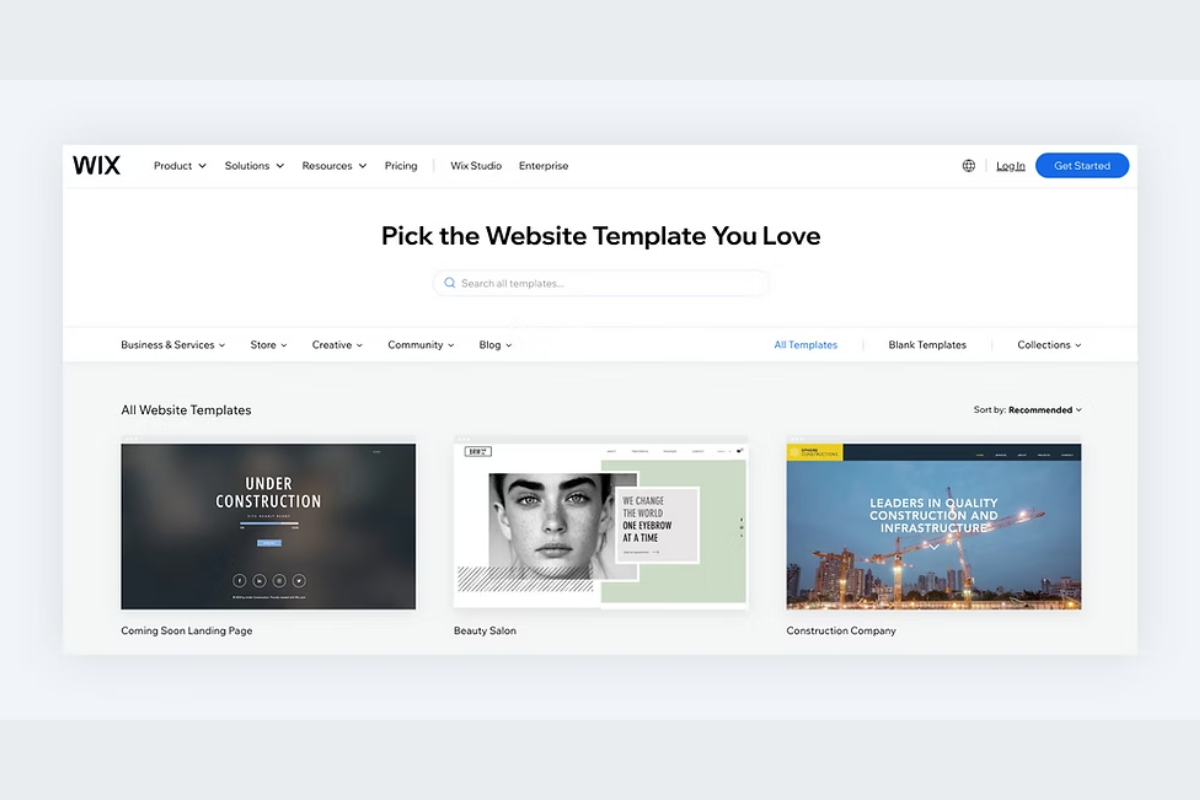
Wix is a dream for anyone looking to build a site with minimal fuss. It offers drag-and-drop design, a rich collection of templates, and strong support for setting up payments—most prominently through AED-enabled services. Plus, it handles regional tax requirements like VAT automatically, so you can focus on design rather than compliance.
Squarespace (Elegant Design, Ideal for Small Shops & Blogs)
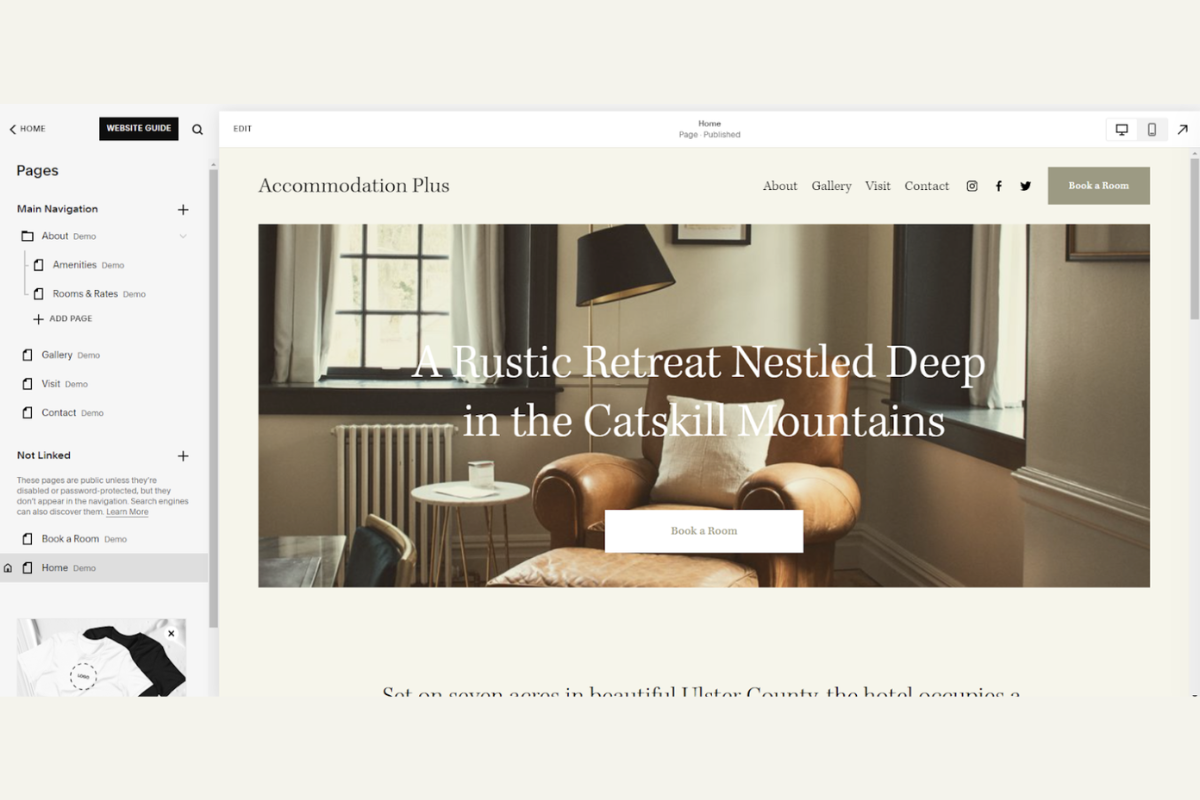
Squarespace stands out with its visually stunning templates and streamlined blogging tools. The platform supports payments via Stripe and PayPal, though there’s limited flexibility around choosing your store’s currency—it's typically tied to your location and cannot be changed once set. If you value aesthetics and simplicity, it remains a solid choice.
Webflow (For Custom Design Control)
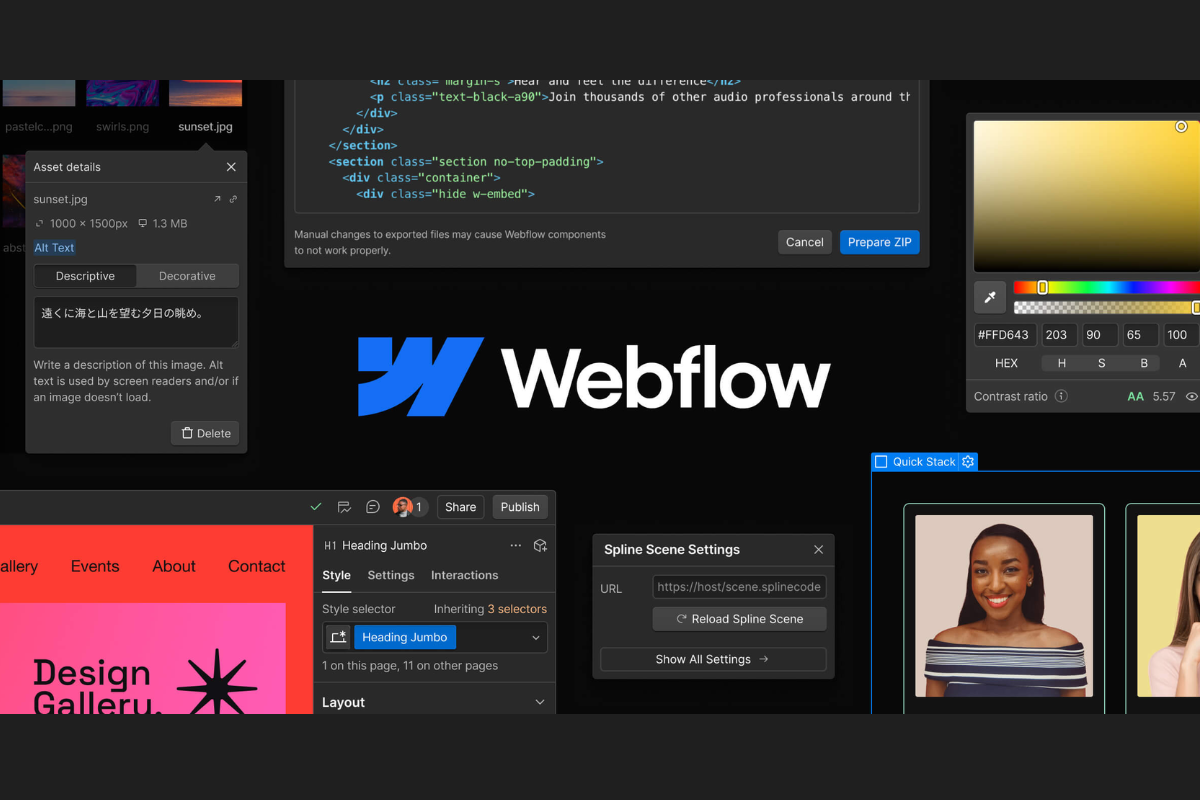
If design is your passion, Webflow gives you near-complete creative freedom. You can visually craft your website while the system handles clean code behind the scenes. For e-commerce, Webflow integrates with Stripe and PayPal for payments—adding modern options like Apple Pay and Google Pay through Stripe. It's a top pick for tailored, polished sites with advanced payment options.
WordPress with WooCommerce (Most Flexible and Scalable)
WordPress paired with WooCommerce offers unmatched power in customization. You can add a wide range of plugins for functionality, user experience, and payments. WooPayments is expanding support to offer seamless local payment processing with no setup fees. Trusted gateways like Stripe, PayPal, and regional providers like PayMob can also be integrated for AED transactions—making this combo perfect for growing businesses that want full control over every detail.
GoDaddy Website Builder (Quick and Basic Setup)
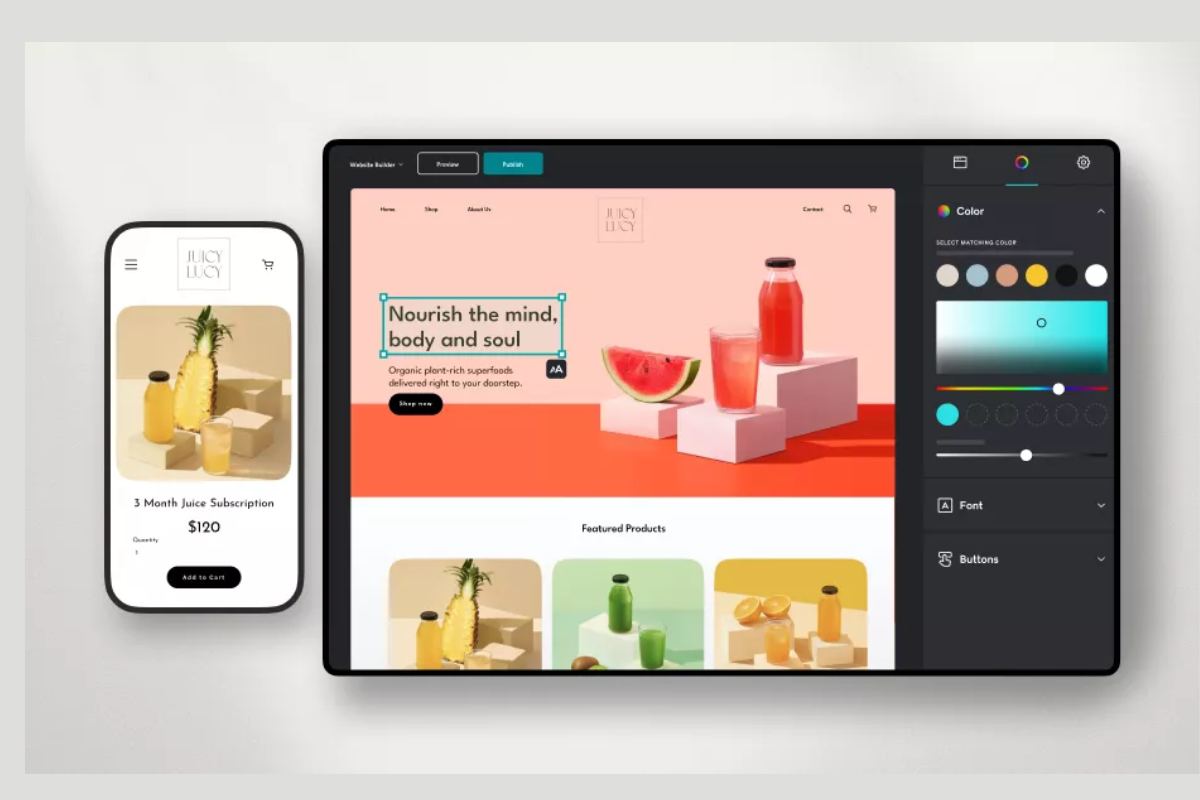
Need something fast and simple? GoDaddy’s Website Builder lets you get a site up and running in minutes. It typically comes bundled with a domain and email, making it a convenient choice for basic sites without the need for deep customization or ecommerce complexity.
Quick Cost Snapshot
| Platform | Typical Monthly Cost (AED) |
|---|---|
| Shopify | - Basic: ≈ 144 AED - Grow: ≈ 338 AED - Advanced: ≈ 1,466 AED |
| Wix | Entry-level: 70–100 AED (≈ $19–27) up to 600 AED for top tier (≈ $159) |
| Squarespace | Basic (annually): ≈ 59 AED (≈ $16) Advanced: ≈ 365 AED (≈ $99) |
| Webflow | Basic site: ≈ 52 AED (≈ $14) CMS: ≈ 85 AED (≈ $23) Business: ≈ 145 AED (≈ $39) |
| GoDaddy Website Builder | Basic: ≈ 37 AED (≈ $9.99), Commerce: ≈ 79 AED (≈ $20.99) |
| WordPress (Hosting) | Managed hosting (basic): ≈ 26 AED (≈ $6.99) |
Easy Launch Checklist
1. Choose Your Platform
Start by selecting the website builder or CMS that best matches your goals. This decision sets the foundation for everything that follows—your site’s flexibility, the ease of updates, the types of features you can add, and even the long-term costs. Pick well, and the platform will grow with you; pick hastily, and you may find yourself limited by design restrictions, poor payment options, or high migration costs later on.
2. Register and Point Your .ae Domain
Secure a .ae domain to strengthen credibility and trust. Registration usually costs between AED 110 and AED 150 per year. Once purchased, connect it to your platform by setting up DNS records and activating an SSL certificate so that your website runs securely over HTTPS.
3. Configure AED Currency & Payment Gateway
Inside your platform’s settings, enable AED as your primary currency. Then connect a payment gateway that supports dirham transactions. Options such as Stripe, PayTabs, Telr, and Amazon Payment Services are widely used and make it easy to handle secure online payments.
4. Design Your Site & Add Content
Build the structure of your site with a theme or template. Add the essentials: a homepage, about page, products or services, contact information, and any blog or portfolio sections you need. Use high-quality visuals and write clear, engaging copy that reflects your brand.
5. Set Up SEO Essentials & Analytics
Before launch, prepare your site for search visibility. Add page titles, meta descriptions, and alt text for images. Install Google Analytics to track visitors, and submit your sitemap to search engines. These steps ensure your site is discoverable and measurable from day one.
6. Final Review & Testing
Check your website on both desktop and mobile. Test all forms, links, and payment processes. Run a speed test to confirm that your site loads quickly, ideally within 2–3 seconds, to reduce bounce rates.
7. Launch & Promote
Once everything works smoothly, publish your site. Share it across social media, update your email signature, and announce it to your network. A simple launch campaign, even a small one, helps bring in your first wave of visitors.
A website is often the first impression people have of you or your business, and the tools you choose to build it should make that process feel effortless. The platforms available today are designed to take away the heavy lifting, letting you focus on what truly matters—your story, your work, and the experience you want visitors to have.
Instead of getting caught up in comparisons, trust the process of matching your vision with the builder that feels most intuitive to you. Once that choice is made, the journey becomes far less overwhelming—you’ll find yourself moving from setup to launch with clarity and confidence.
Think of this as the start of a journey rather than a final decision. The right builder doesn’t just help you create a website; it gives you the freedom to grow, adapt, and evolve online at your own pace.
Also read:
 Umema Arsiwala
 Shahba Mayyeri
 Umema Arsiwala