
Managing multiple social media accounts can feel overwhelming. Between creating content, responding to comments, and staying active across platforms, business owners and marketing teams often struggle to maintain consistency. This is where social media scheduling tools become game-changers, transforming how businesses approach their online presence.
Why Your Business Needs a Scheduling Tool
Social media has evolved from a nice-to-have to an essential business channel. With over 5 billion users across global platforms, your potential customers are spending significant time on Instagram, Facebook, LinkedIn, TikTok, and other networks. However, maintaining an active presence on these platforms requires consistent posting—and that's challenging when you're running a business.
The consistency challenge is real:
- Brands that post regularly see up to 3.5 times more engagement than inconsistent posters
- Manual posting requires constant attention and interrupts workflow
- Different platforms have different optimal posting times
- Managing multiple accounts manually leads to burnout and missed opportunities
Scheduling tools solve these problems by allowing you to plan, create, and automate your content distribution. Instead of logging into five different platforms daily, you can batch-create content once per week and schedule it to post automatically at optimal times.
Key benefits for businesses:
- Time savings: Most users save up to 6 hours per week
- Consistency: Never miss a posting opportunity
- Strategy: Plan content themes and campaigns in advance
- Analytics: Track what works and adjust your approach
- Team collaboration: Coordinate efforts across multiple team members
- Multi-account management: Handle all platforms from one dashboard
In 2025, these tools have evolved beyond simple schedulers. They now incorporate artificial intelligence to suggest content, predict optimal posting times, and even analyze audience sentiment. This intelligence can increase your reach by 20-30% compared to random posting schedules.
Understanding Your Options: The Top Tools Compared
The market offers numerous scheduling solutions, each with distinct strengths. Here's what you need to know about the leading platforms:
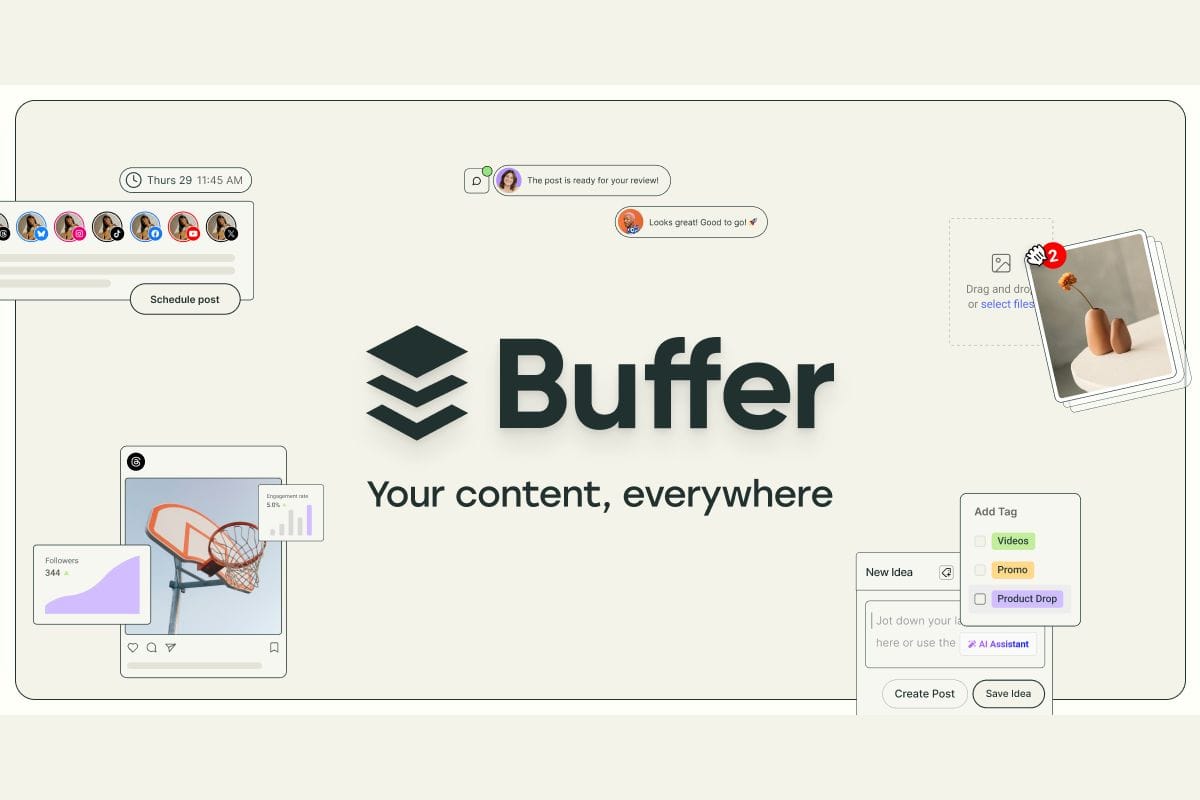
- Buffer: The Beginner-Friendly Choice
Best for: Small businesses, startups, solo entrepreneurs
Buffer built its reputation on simplicity. The platform uses a queue system where you add content, and it automatically posts according to your schedule. The interface is clean and intuitive, making it perfect for businesses just starting with social media scheduling.
What makes Buffer stand out:
- Free plan available (up to 10 posts per month)
- Paid plans start at just $6 per month per social channel
- Mobile app for scheduling on-the-go
- AI-powered caption suggestions
- Strong analytics dashboard
- Pablo integration for quick image creation
Limitations to consider:
- Free plan is quite limited for active businesses
- Advanced features require higher-tier plans
- May lack depth for complex enterprise needs
Buffer is ideal if you want to start scheduling without a steep learning curve or significant investment. It's particularly popular among small businesses that need efficiency without complexity.
- Hootsuite: The Enterprise Powerhouse
Best for: Large businesses, agencies, enterprises with complex needs
Hootsuite is the heavyweight champion of social media management. It doesn't just schedule posts—it provides a complete command center for monitoring, engagement, and analytics across all major platforms.
Hootsuite's comprehensive features:
- Supports 10+ platforms including YouTube and Threads
- Dashboard view for monitoring mentions and conversations
- Over 200 app integrations
- Advanced team collaboration with role assignments
- Bulk scheduling capabilities
- Compliance features for regulated industries
Starting at $99/month, consider these factors:
- Steeper learning curve than simpler tools
- Higher price point may not suit small budgets
- Interface can feel cluttered initially
- Best value comes at higher tiers
Choose Hootsuite if you're managing multiple brands, need extensive reporting, or require team coordination across different departments. The investment pays off for organizations with complex social media operations.
- Later: The Visual Planner's Dream
Best for: Visual brands, e-commerce, Instagram-focused businesses
Later transformed social media scheduling by introducing visual planning. If your business relies heavily on aesthetic consistency—think fashion, food, interior design, or retail—Later is your tool.
Visual planning advantages:
- Drag-and-drop calendar with grid preview
- See how your feed will look before posting
- Auto-posting to Instagram, TikTok, and Pinterest
- Hashtag suggestions based on your content
- Link in bio features for driving traffic
- Shoppable posts for e-commerce integration
Pricing and considerations:
- Free plan available
- Paid plans start at $18/month
- Primarily optimized for visual platforms
- Fewer integrations than competitors
- Less suitable for text-heavy platforms like LinkedIn
Later excels when your brand's visual identity matters. The ability to preview your grid layout ensures cohesive aesthetics that attract and retain followers.
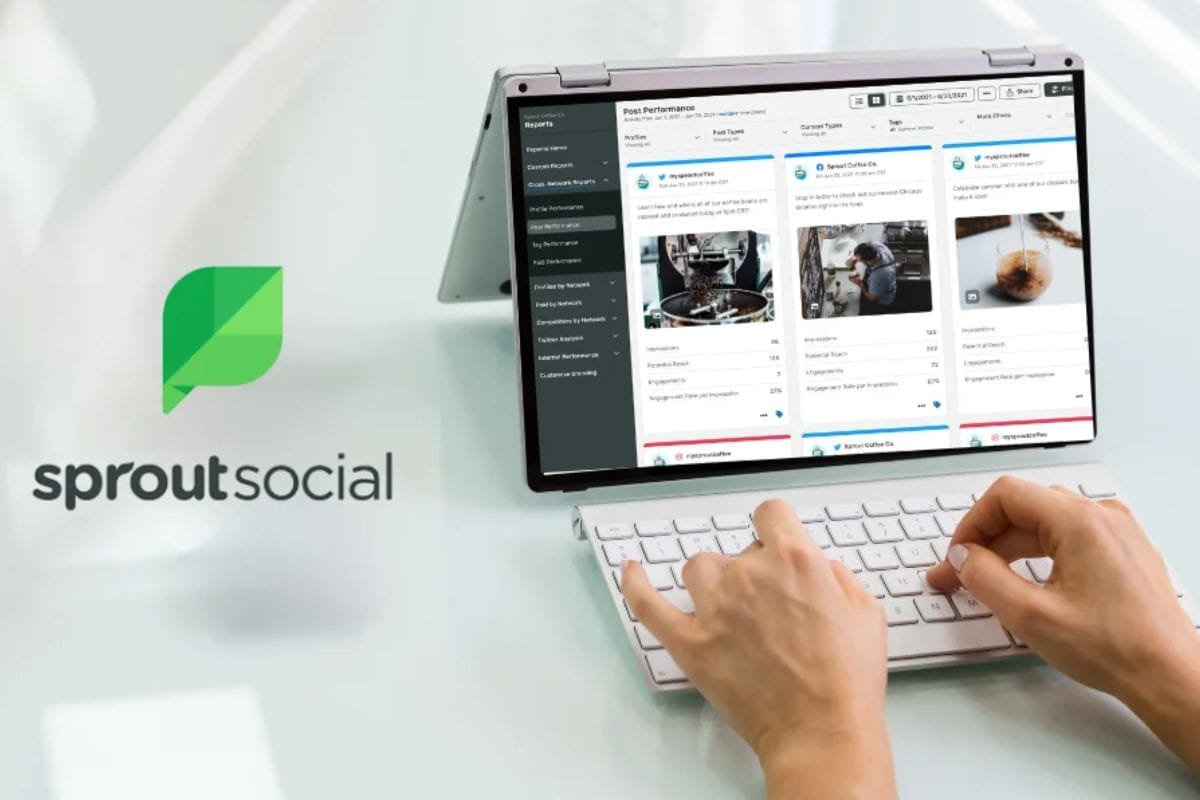
- Sprout Social: The Analytics Expert
Best for: Mid-sized to large businesses, data-driven marketers
Sprout Social positions itself as the tool for businesses serious about understanding their social media performance. It combines scheduling with deep analytics and customer relationship management.
Advanced capabilities:
- In-depth reporting and analytics
- Social listening to monitor brand mentions
- CRM integration with platforms like Salesforce
- AI-driven insights for strategy refinement
- Customer care features for service teams
- Support for major platforms plus Reddit and YouTube
Investment considerations:
- Starting at $249/month
- No free plan available
- Premium pricing targets established brands
- Robust feature set may overwhelm smaller teams
Sprout Social makes sense when social media is a significant revenue driver and you need comprehensive data to optimize campaigns and customer interactions.
- Loomly: The Team Collaboration Specialist
Best for: Content teams, small to medium businesses, collaborative workflows
Loomly focuses on making content creation and approval seamless for teams. It's particularly valuable when multiple people contribute to your social media strategy.
Collaboration features:
- Post idea libraries for inspiration
- Optimization tips for each platform
- Comment-based feedback system
- Approval workflows to prevent errors
- Content calendar view
- Budget-friendly team plans starting at $26/month
What to know:
- Strong for planning and approval processes
- Analytics less robust than specialized tools
- Great middle ground between simple and complex
- Suitable for growing teams
If your challenge is coordinating between marketing, design, and leadership, Loomly's approval workflows prevent miscommunication and ensure brand consistency.
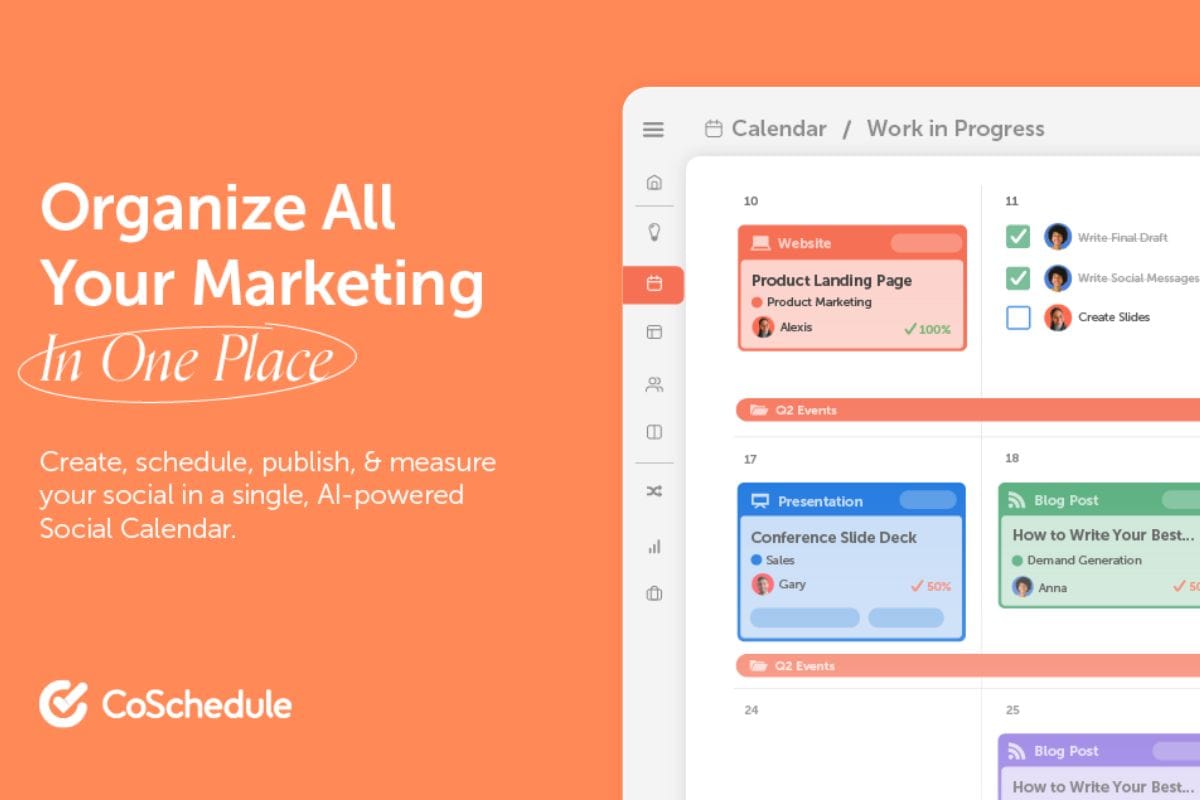
- CoSchedule: The Marketing Calendar Master
Best for: Content marketers, bloggers, businesses with integrated campaigns
CoSchedule thinks beyond social media, offering a unified marketing calendar that coordinates social posts with blog content, email campaigns, and other initiatives.
Unified marketing features:
- ReQueue automatically recycles top-performing content
- WordPress and CMS integrations
- Google Docs connectivity
- Overall marketing calendar view
- Starting at $29/month
Considerations:
- May feel overwhelming for social-only needs
- Best value when using multiple marketing channels
- Requires setup time to leverage fully
Choose CoSchedule if you're running comprehensive marketing campaigns where social media is one component of a larger strategy.
- Sendible: The Agency Solution
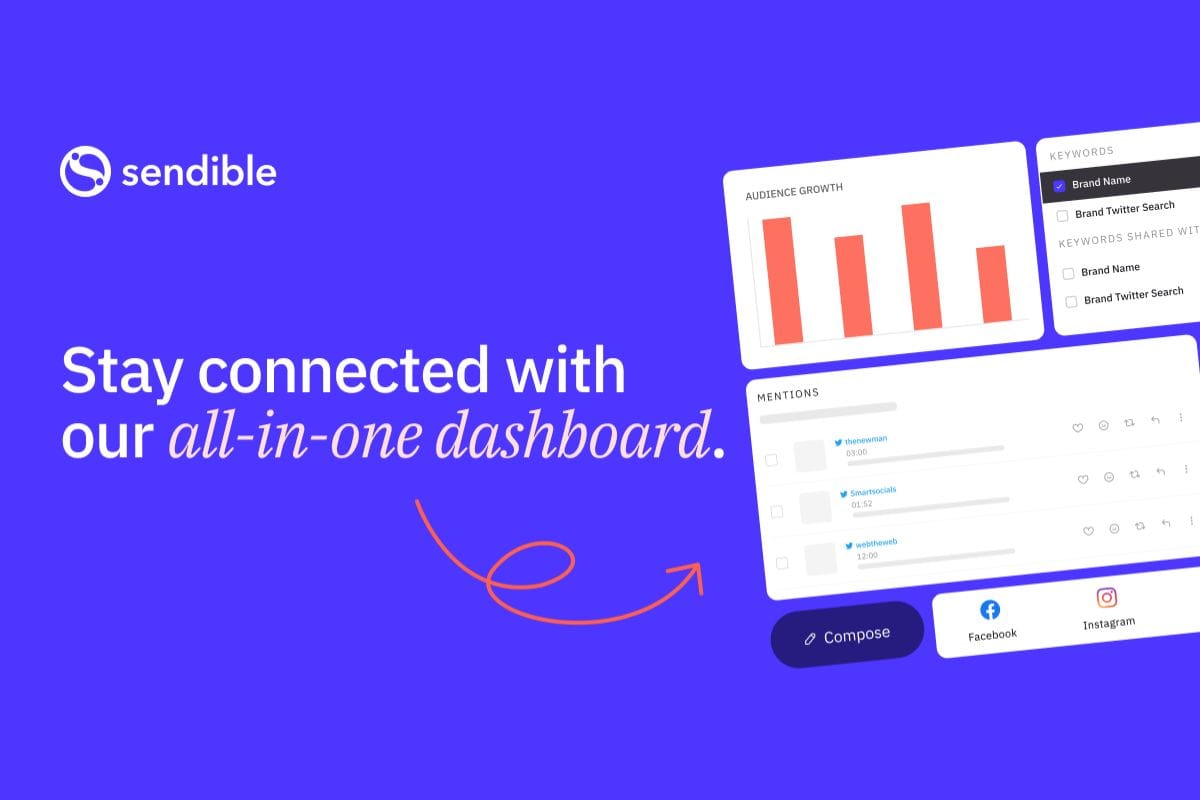
Best for: Agencies, freelancers managing multiple clients
Sendible was built with agencies in mind, offering client-specific features that simplify managing multiple brands simultaneously.
Agency-focused features:
- Client-specific reporting dashboards
- White-label options for branding
- Smart queues for optimal posting
- RSS feed automation
- Support for niche platforms like Mastodon
- Starting at $29/month
Trade-offs:
- Interface design feels somewhat dated
- May offer more than solo businesses need
- Customization requires time investment
If you manage social media for multiple clients, Sendible's client reporting and organization features justify the investment.
- Planable: The Visual Workflow Tool
Best for: Teams and agencies prioritizing approval processes
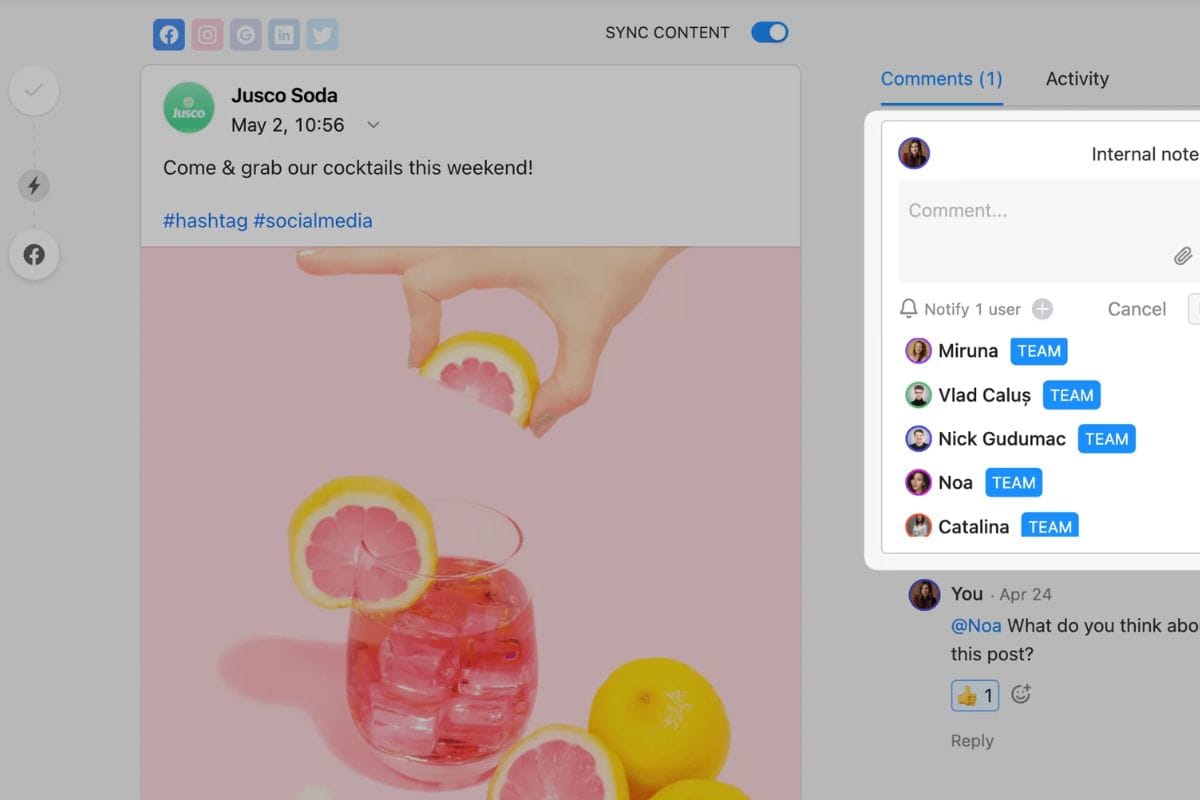
Planable emphasizes visual content previews and real-time collaboration, making it easy to see exactly how posts will appear before they go live.
Workflow advantages:
- Visual feed previews for all platforms
- Real-time collaborative feedback
- Approval workflows with version history
- Affordable starting at $11/month
- Reduces posting errors
Limitations:
- No built-in analytics (requires external tools)
- Smaller feature set than comprehensive platforms
Planable works well when your priority is preventing mistakes and ensuring every post meets standards before publishing.
- SocialBee: The Content Recycling Expert
Best for: Solopreneurs, small businesses, evergreen content strategies
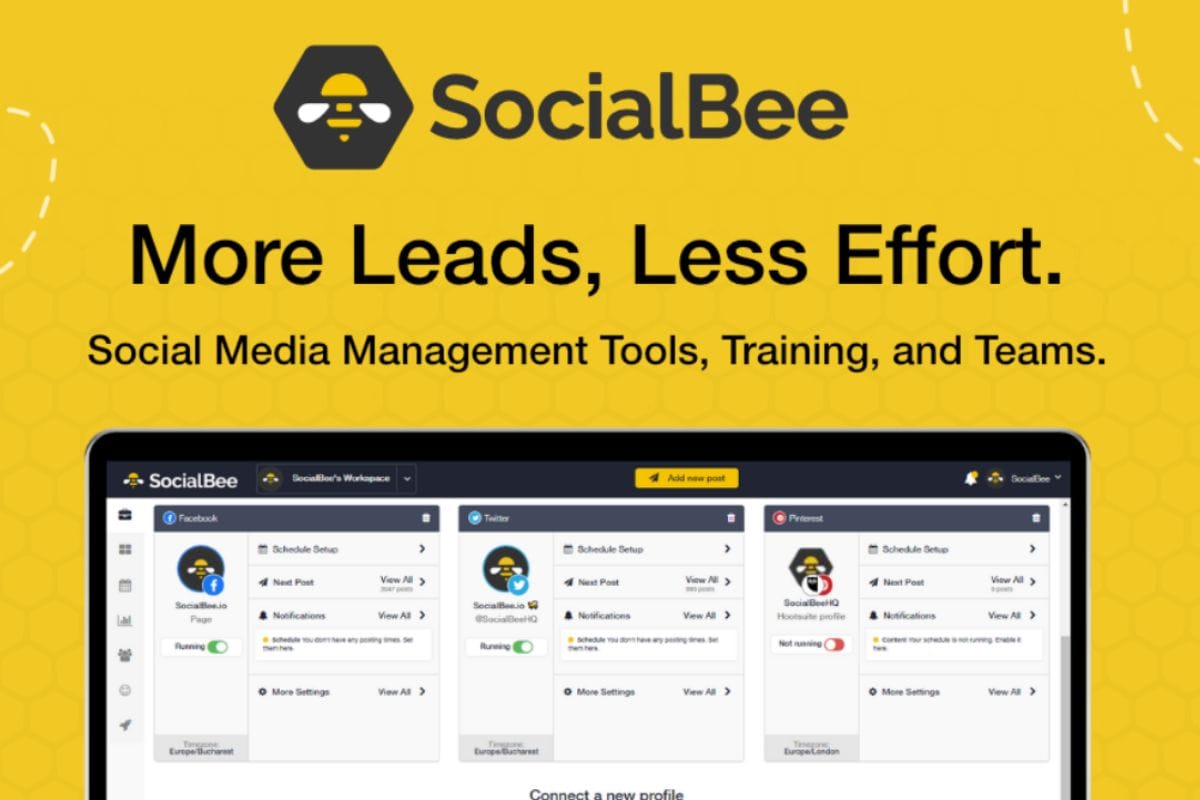
SocialBee specializes in content categorization and recycling, perfect for businesses with evergreen content that remains relevant over time.
Content management features:
- Category-based content queues
- Evergreen content recycling
- AI content generator for variations
- Concierge setup service
- Support for emerging platforms like Bluesky
- Starting at $29/month
Considerations:
- Customer support response times vary
- Best for businesses with reusable content
- Learning curve for category system
If you create educational or evergreen content, SocialBee ensures you maximize value from every piece without constant new creation.
- Planoly: The E-commerce Visual Planner
Best for: E-commerce brands, visual businesses, product-based companies
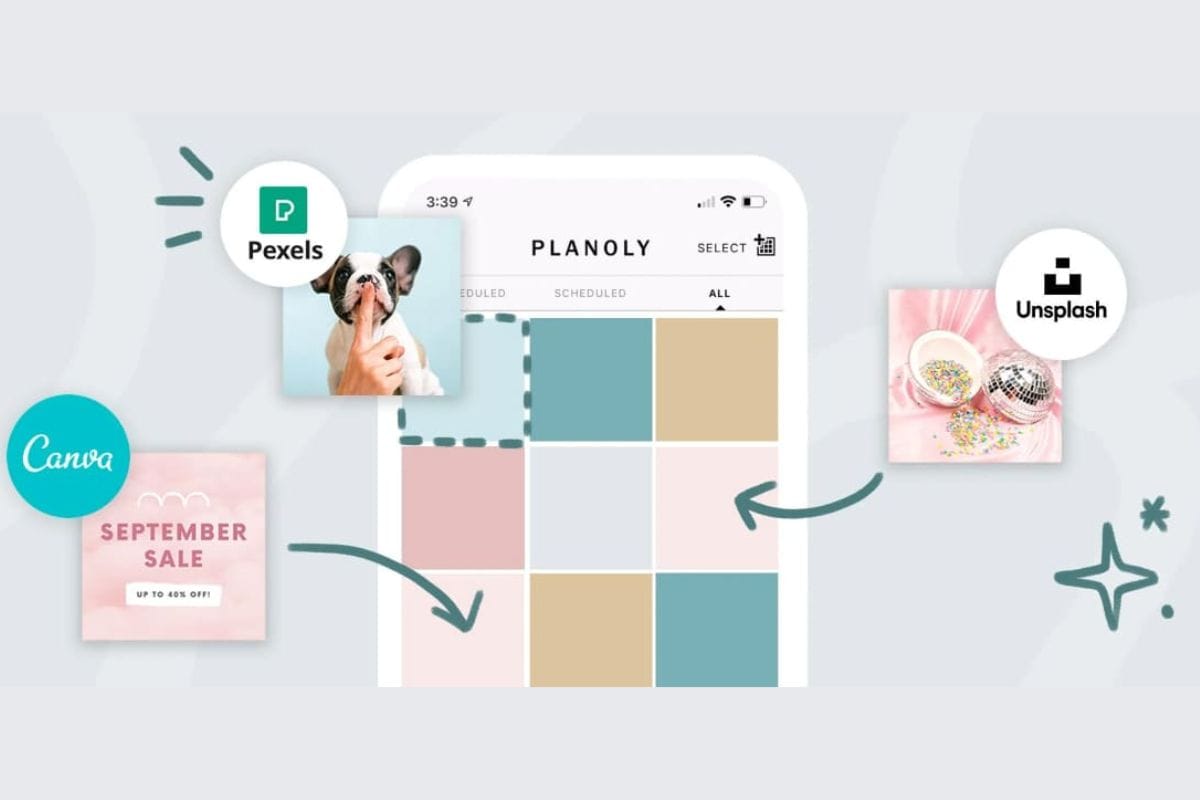
Planoly combines visual planning with e-commerce features, making it ideal for businesses selling products through social media.
E-commerce advantages:
- Visual grid planning for Instagram
- Product tagging for shoppable posts
- User-generated content curation
- Auto-posting capabilities
- Free plan available; paid starts at $14/month
Limitations:
- Heavily focused on visual platforms
- Less versatile for broad strategies
- Limited support for text-based platforms
Choose Planoly if Instagram and Pinterest drive your sales and you need to maintain a cohesive, shoppable aesthetic.
Making the Right Choice for Your Business
With so many options, how do you decide? Consider these factors:
Budget considerations:
- Tight budget: Start with free plans (Buffer, Later, Planoly)
- Small business: $20-30/month range (Loomly, CoSchedule, SocialBee)
- Growing company: $100-250/month (Hootsuite, Sprout Social)
- Agency: Client-based pricing (Sendible, Planable)
Business type alignment:
- Visual brands: Later, Planoly
- Service businesses: Hootsuite, Sprout Social
- Content creators: Buffer, SocialBee
- E-commerce: Planoly, Later
- B2B companies: Hootsuite, Sprout Social
- Agencies: Sendible, Hootsuite
Team size matters:
- Solo: Buffer, SocialBee
- Small teams (2-5): Loomly, CoSchedule
- Medium teams (5-20): Planable, Hootsuite
- Large teams (20+): Hootsuite, Sprout Social
Platform priorities:
- Instagram-heavy: Later, Planoly
- Multi-platform: Hootsuite, Buffer
- LinkedIn focus: Sprout Social, Hootsuite
- Emerging platforms: SocialBee (Bluesky, Threads)
Best Practices for Maximizing Your Tool
Regardless of which platform you choose, follow these practices to get the best results:
Content planning strategies:
- Batch-create content weekly or monthly
- Plan themes and campaigns in advance
- Mix promotional, educational, and entertaining content
- Use platform-specific features (Stories, Reels, Threads)
Scheduling for success:
- Use AI suggestions for optimal posting times
- Test different times and measure results
- Maintain consistent posting frequency
- Adjust schedules based on audience data
Analytics and optimization:
- Review performance metrics weekly
- Identify top-performing content types
- Track engagement rates, reach, and clicks
- Adjust strategy based on data insights
Integration excellence:
- Connect with design tools (Canva)
- Link analytics platforms (Google Analytics)
- Integrate CRM systems for complete customer view
- Use automation for routine tasks
Team collaboration:
- Establish clear approval workflows
- Define roles and permissions
- Create content libraries for brand consistency
- Schedule regular strategy reviews
Final Recommendations
The best social media scheduling tool depends entirely on your specific needs, but here are general guidelines:
Start here if you're new: Buffer offers the easiest entry point with a generous free plan and intuitive interface.
Scale to this for growth: Hootsuite provides room to expand as your needs become more complex.
Choose for specific strengths: Later for visual brands, Sprout Social for analytics, Loomly for teams.
Consider hybrid approaches: Many successful businesses use multiple tools—Later for Instagram planning, Hootsuite for monitoring and LinkedIn.
The investment in a scheduling tool pays dividends through saved time, improved consistency, and better results. Start with a free trial, test the workflow with your actual content, and evaluate which platform feels most natural for your team.
Social media success isn't about being everywhere all the time—it's about being strategic, consistent, and data-informed. The right scheduling tool makes that achievable without burning out your team or breaking your budget.
Also Read:
 Shahba Mayyeri
 Shahba Mayyeri
 Shahba Mayyeri
 Umema Arsiwala